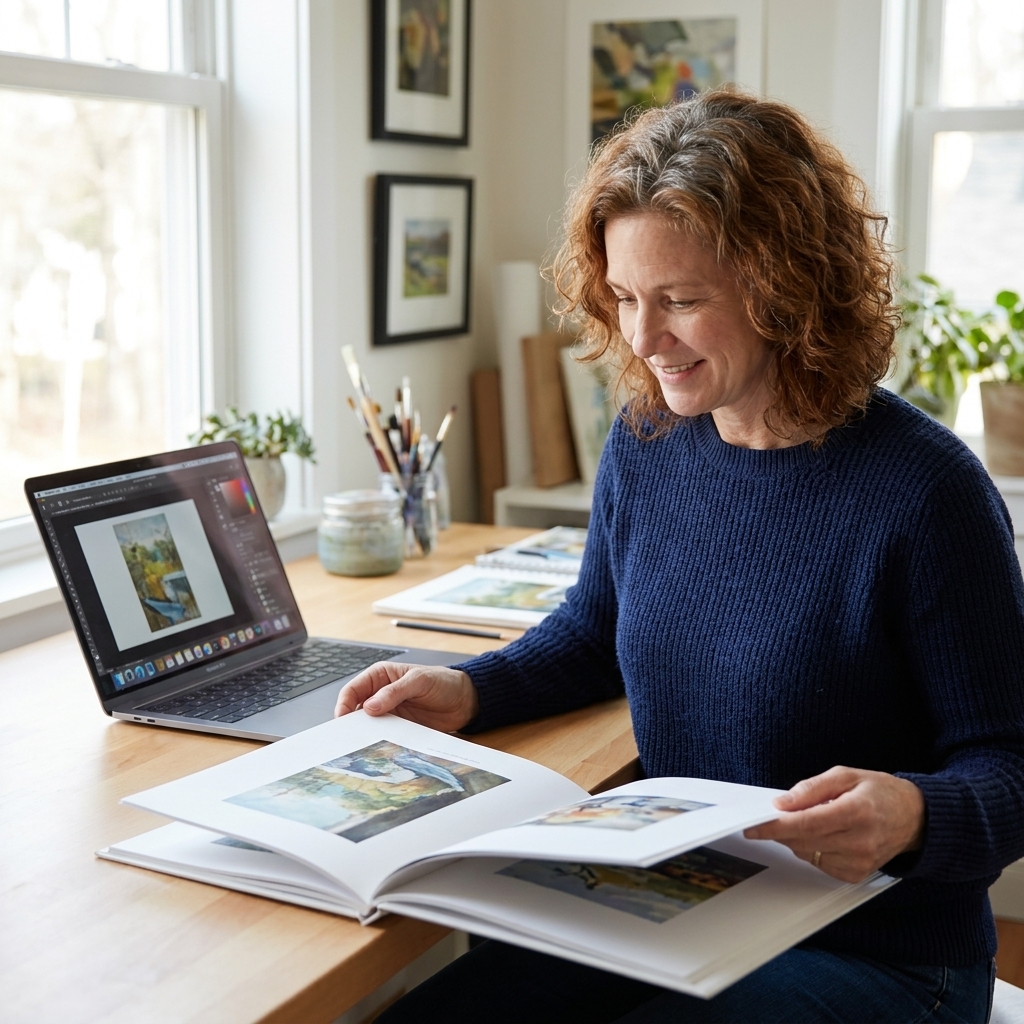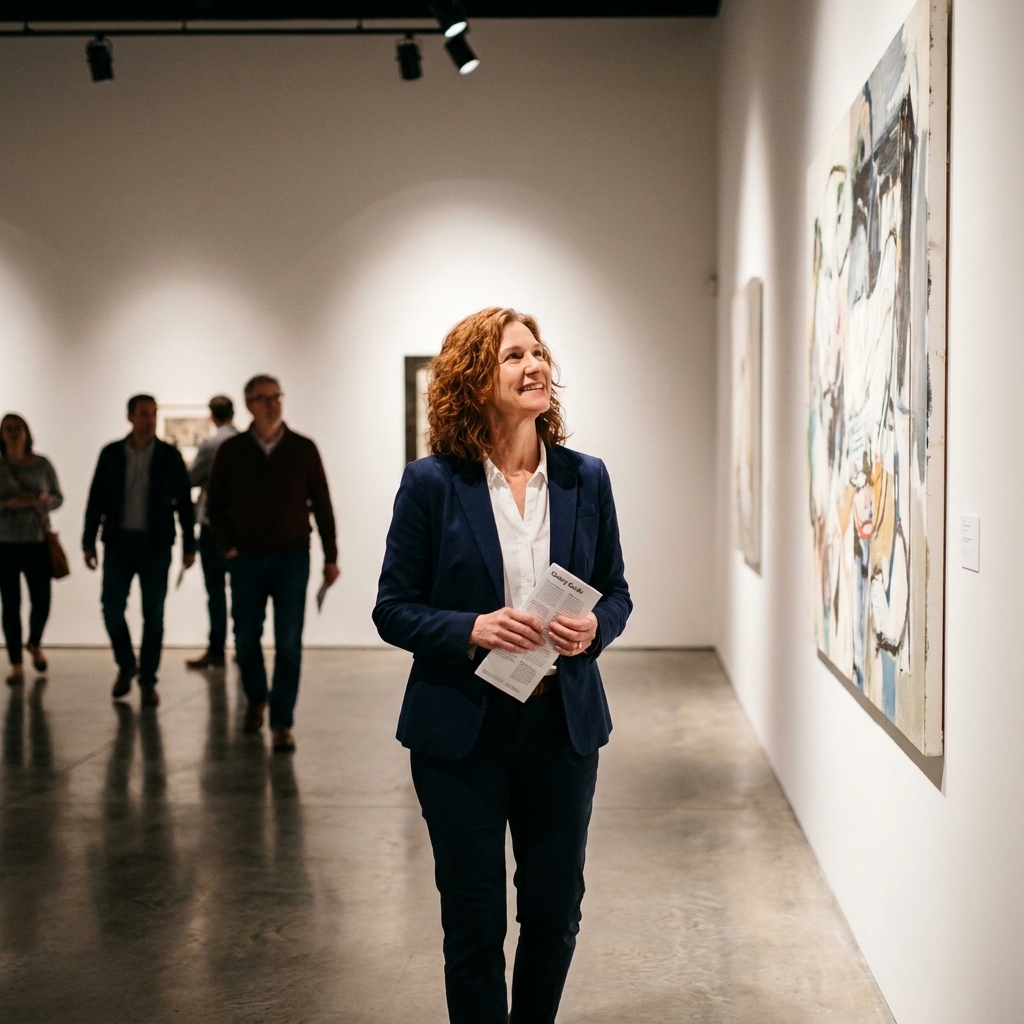
There is a particular hush you feel when you step into a gallery. Even if you are alone, your shoulders soften. Your eyes slow down. Virtual galleries cannot replicate the smell of fresh paint or the faint echo of footsteps on concrete, but they can do something quietly radical: they remove the velvet rope.
If you are an artist, that matters. The right digital platform can put your work in front of collectors, curators, and genuinely curious viewers who might never walk into your nearest white cube. Below are seven of the best places to show fine art online, plus a practical checklist for digitizing and exhibiting your work so it looks as intentional as it feels in your studio.
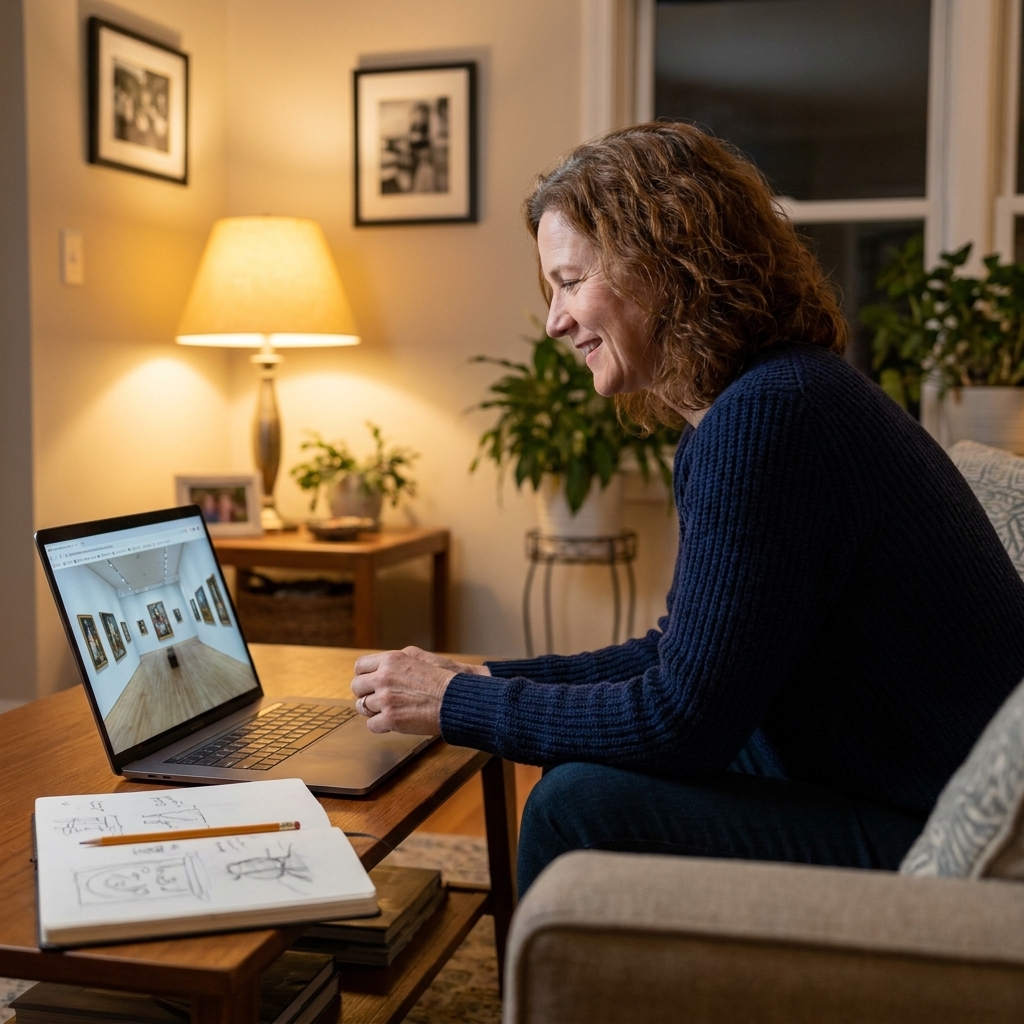
What makes a virtual gallery worth your time
I have seen artists pour hours into uploading work to platforms that feel like shouting into a warehouse. Before you commit, look for these four signals.
- Curatorial context: Does the platform encourage series, statements, and exhibitions, or is it just a feed?
- Collector trust: Clear policies on authenticity, shipping, returns, and artist verification build confidence.
- Presentation tools: Room views, clean image display, and metadata fields (size, medium, year) matter more than flashy effects.
- Fair economics: Transparent commissions and pricing controls keep your work from being treated like a commodity.
The 7 best virtual fine art galleries
These span curated marketplaces, open platforms with serious audiences, and build-your-own virtual exhibition spaces. Think of them as different rooms in the same museum.
1) Artsy
Best for: Artists working with galleries or seeking a high-credibility, collector-facing platform.
Artsy is less a single gallery and more a global art fair that never closes. It is strongest when your work is presented with institutional polish: tight series, clear provenance details, and consistent documentation.
How it works: Most artists appear on Artsy through partner galleries or institutional partners. If you are an independent artist without representation, your most realistic path is to connect with a gallery, art advisor, or partner rather than expecting a direct upload route.
- Why it shines: Collector trust, strong discovery tools, and a platform people in the art world browse with intent.
- Watch for: Access is often indirect if you are not already affiliated with a gallery or partner.
2) Saatchi Art
Best for: Independent artists who want a large, global marketplace with support tools.
Saatchi Art is one of the more approachable places to start selling fine art online without losing all sense of presentation. It is a big marketplace, but it also highlights work through features like curated collections and advisor-led recommendations (what is promoted shifts over time).
How it works: It is primarily a sales platform, and the audience is largely built into the marketplace. You can still boost results by driving your own traffic, but you are not starting from zero.
- Why it shines: Large audience, international reach, and practical guidance for artists.
- Watch for: Competition is high, so your images, titles, and descriptions need to do real work.
3) Artfinder
Best for: Artists who want an artist-led marketplace with a more curated gate.
Artfinder tends to feel more like a community of studios than an endless scroll. Many buyers come looking specifically for original work directly from artists, and the platform is selective about who joins.
How it works: It is a marketplace, and it can drive discovery, but your presentation and consistency still matter. Clear series and a cohesive portfolio help you stand out.
- Why it shines: Strong emphasis on original art and artist stories.
- Watch for: You will want a cohesive body of work and a clear point of view in your portfolio.
4) Singulart
Best for: Artists looking for a curated, international platform with a gallery-like tone.
Singulart positions itself closer to the feel of a contemporary gallery, with a selection process and an emphasis on professional presentation. If you have work that photographs beautifully and reads well at a glance, it can be a strong match.
How it works: It is sales-oriented and curated. The platform helps with visibility, but selection standards and terms can change, so check the current artist requirements before you apply.
- Why it shines: Curated feel, international collector base, polished artist pages.
- Watch for: Expect to provide clear, consistent documentation and be ready for logistics.
5) UGallery
Best for: Painters and photographers who want a curated roster and hands-on sales support.
UGallery is known for curation and for supporting artists through the sales process. It can feel less like posting into the void and more like being placed somewhere people actually browse with intent.
How it works: It is a curated sales platform. Fit matters, and their process can be more involved than open marketplaces. Always confirm current commission, shipping expectations, and payout timing via their artist FAQ.
- Why it shines: Curated selection, strong collector support, artist-focused approach.
- Watch for: They are looking for consistency and market readiness.
6) Kunstmatrix
Best for: Artists and curators who want to build immersive, room-based virtual exhibitions.
If you miss the choreography of a real exhibition, Kunstmatrix is a practical way to stage it online. You can create walk-through spaces, hang works at scale, and share a link that feels closer to visiting a show than browsing a shop.
How it works: This is primarily an exhibition tool, not a built-in sales marketplace. It is excellent for presenting a cohesive show. If you want sales, pair it with a clear purchase path (inquiry form, shop link, invoice/payment tool, or a marketplace listing).
- Why it shines: Exhibition-making tools, realistic scale, strong for sharing a cohesive show.
- Watch for: The experience depends on your setup and image quality. Great files make a great show.
7) Spatial
Best for: Artists who want interactive openings, events, and a social, gallery-like space.
Spatial leans into the performative side of exhibiting: openings, guided walkthroughs, and real-time interaction. If your work benefits from conversation, it can be effective for hosting live virtual events and building community.
How it works: The platform gives you the room, but audience building is often on you. Think invitations, collaborators, and consistent programming.
- Why it shines: Live events, community energy, the feeling of being in a space together.
- Watch for: It rewards artists willing to host, not just upload.
How to digitize your work
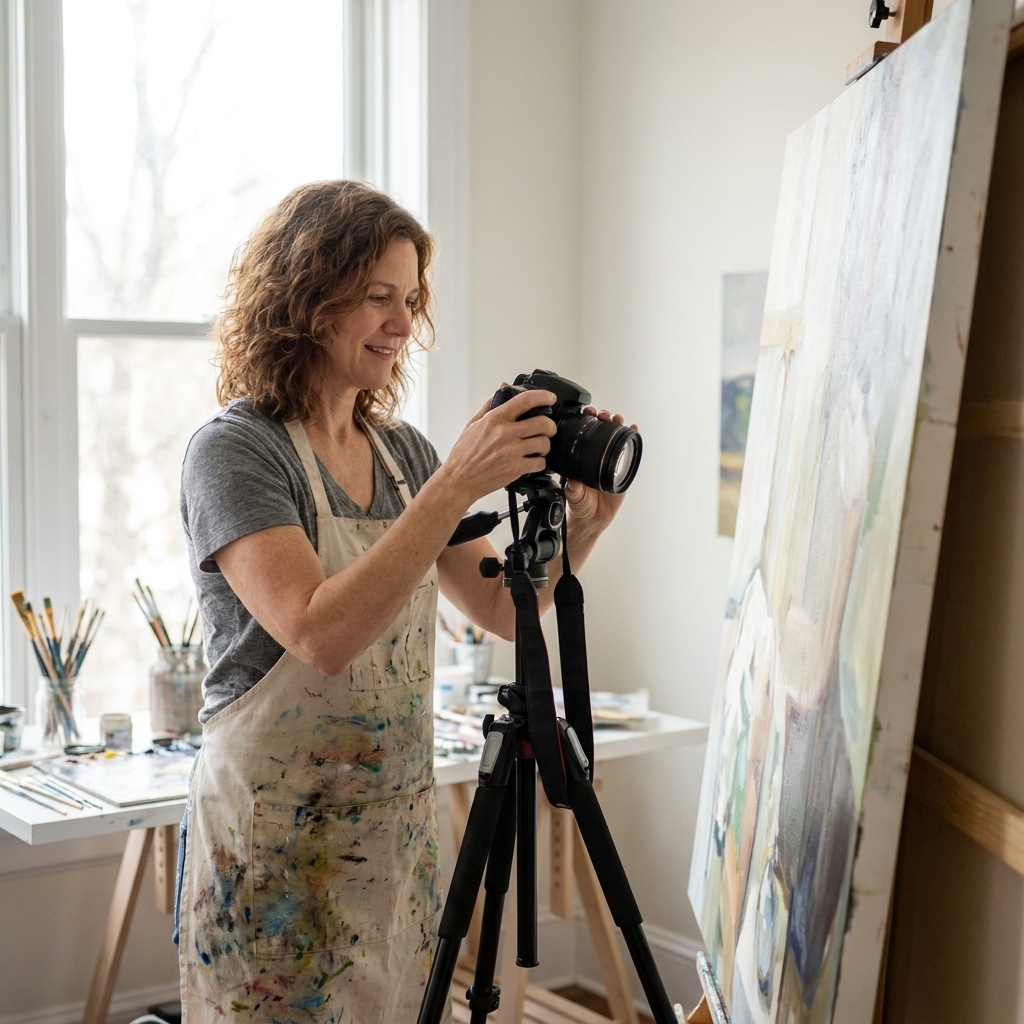
Digitizing art is not just documentation. It is translation. Your goal is fidelity, yes, but also mood: the quiet edge of charcoal, the heat of a saturated red, the tooth of paper. Here is the workflow I recommend, whether you are applying to a curated platform or building your own virtual show.
Step 1: Choose photo or scan
- Flat works under roughly A3: A high-quality scanner can be excellent for drawings, prints, and small works on paper.
- Larger works and paintings: Photograph them. A modern phone can work in a pinch, but a DSLR or mirrorless camera gives you more control.
- Oversize flat works: Some artists stitch multiple scans or use a large-format scanning service when the work is too big for a standard scanner.
Step 2: Light it evenly
Even light is the secret handshake of professional documentation. Aim for soft daylight (near a window, indirect) or two identical lights placed at equal angles from the artwork.
- Avoid overhead warm bulbs that shift colors.
- Avoid glare by angling lights and the camera carefully, especially with varnish or glossy surfaces.
- Photograph straight-on. Your lens should be centered on the work, not looking up or down at it.
Step 3: Color-correct with a reference
If you can, use a gray card or a color checker in one test photo. Even if you never show that image publicly, it helps you correct white balance so the work does not drift too blue, too yellow, or strangely green.
Step 4: Edit gently
The goal is not to beautify the work. It is to match it.
- Crop so edges are clean.
- Straighten lines so the work is not trapezoidal.
- Adjust exposure and white balance to match the physical piece.
- Sharpen lightly. Over-sharpening makes paintings look crunchy and prints look brittle.
Step 5: Export the right files
- For submissions: High-quality JPGs are usually accepted. Keep files clear but not gigantic unless requested.
- For archiving: Save a TIFF or high-quality master file if possible.
- For web: Use JPG or WebP versions that load quickly without turning brushstrokes into mush.
Step 6: Photograph 3D work
Sculpture and ceramics need more than one hero shot.
- Shoot multiple angles (front, back, both sides, top where relevant).
- Add at least one detail shot for surface and craftsmanship.
- Include a scale reference (a hand, a chair, a plinth, or a clean room view).
- If you can, add a short video turn or a simple 360-style clip.
How to exhibit your work online
Think of this like installing a show. The platform is the building, but you are still responsible for the hang, the labels, and the way a viewer moves from piece to piece.
1) Build a tight body of work
Seven strong works beat twenty uneven ones. Aim for cohesion: a shared palette, a consistent material language, or a clear conceptual thread.
2) Write a human statement
If you freeze when you hear “statement,” try this structure:
- What you make: medium, scale, subject.
- What you are chasing: a question, a feeling, a tension.
- How you make it: process details that are specific and true.
3) Label like a gallery
- Title
- Year
- Medium (be specific: “oil on linen,” “charcoal on Arches paper”)
- Dimensions (include units and framed size when relevant)
- Edition info for prints
4) Price with intention
Pricing online can feel like whispering a number into a crowded room. Ground it in reality:
- Consider material and time costs.
- Check your own past sales first. Consistency builds trust.
- Look at comparable artists on the same platform, similar size and medium.
- Factor in commission, shipping materials, and your time packing.
5) Add a scale image
Collectors want scale. Provide a clean room view or a photo of the work hanging, shot simply with neutral surroundings. If you cannot stage it, some platforms offer preview tools. Use them.
6) Prepare authenticity and care
- Write a short certificate of authenticity template (title, year, medium, dimensions, signature).
- State care instructions plainly, especially for works on paper and unvarnished surfaces.
- Be upfront about framing: included, not included, or optional.
7) Submit and follow up
For curated platforms, treat your application like a small grant proposal: complete, clean, and on time. If you do not hear back, a polite follow-up after a reasonable window is appropriate. Then keep making work. The best leverage is always the next piece.
Before you apply
A little prep saves a lot of back-and-forth.
- 6 to 12 cohesive works ready to upload.
- Clean images (straight, color-corrected, consistent cropping).
- Short bio (50 to 150 words) and a longer version if requested.
- Statement (keep it readable, avoid jargon for its own sake).
- Accurate dimensions with units (and framed size when relevant).
- Shipping regions you can realistically cover (domestic, international, or both).
- Lead times for made-to-order work or editions.
Terms to check
Acceptance criteria, commissions, and logistics policies change. Before you commit, read each platform’s current artist FAQ and confirm:
- Commission and fees (including any listing, membership, or marketing add-ons).
- Returns policy and who pays return shipping.
- Shipping insurance and liability if work is damaged in transit.
- Payout timing and payment method.
- Exclusivity (if any) and where else you can list the same work.
- Image rights and how your work may be used in promotions.
Platform fit
If you are deciding where to start, here is a gentle way to match your goal to a platform style.
- Want collector reach and marketplace energy: Saatchi Art, Artfinder.
- Want a curated roster and a gallery-forward tone: UGallery, Singulart.
- Want an exhibition experience, not just listings: Kunstmatrix, Spatial.
- Want the highest credibility channel, often via representation: Artsy.
Shipping basics
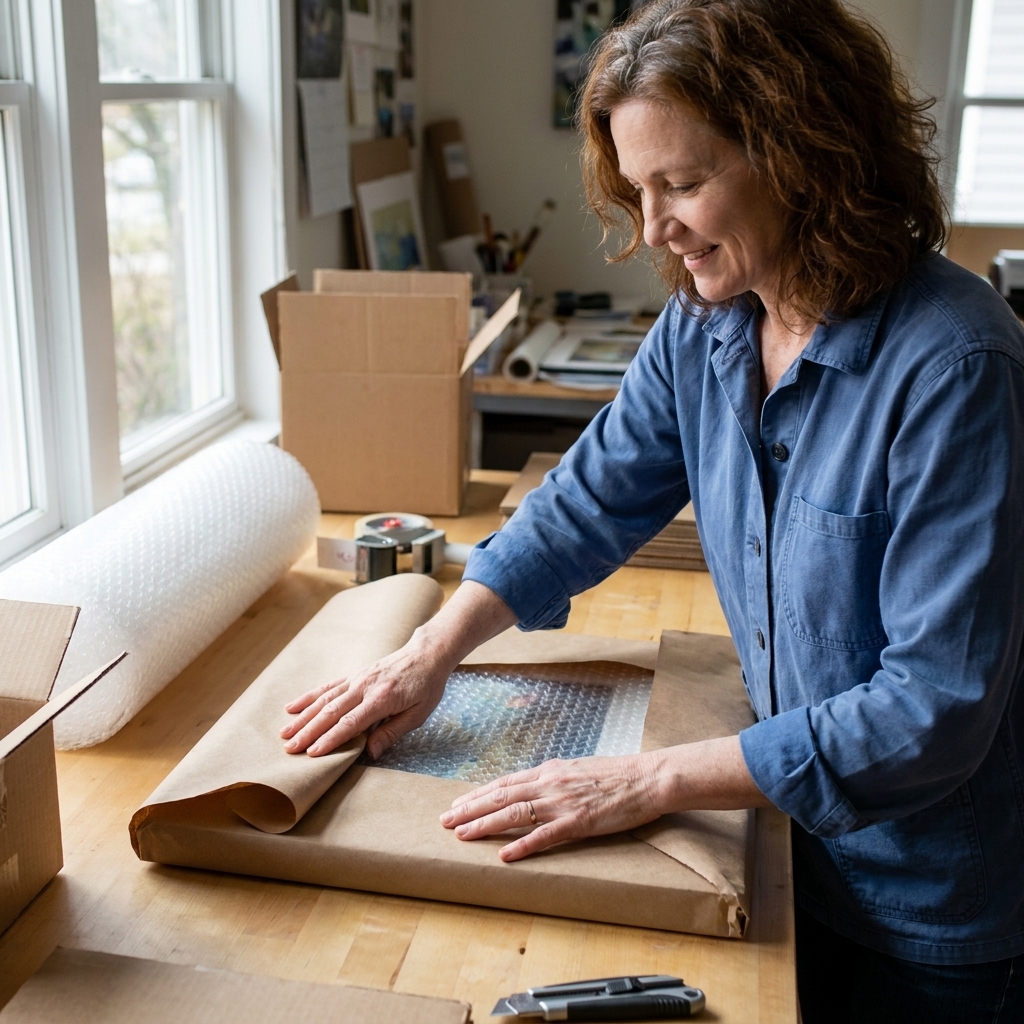
Shipping is part of your presentation. A beautiful piece that arrives damaged is not a sale, it is a loss.
- Pack for impact: corners protected, surface covered (glassine for works on paper), rigid backing, and cushioning that cannot shift.
- Insure the shipment: confirm what is covered and what documentation is required for claims.
- Choose a reliable carrier: and keep tracking and proof of value organized.
- Plan for international: customs forms, HS codes when relevant, and clear descriptions that match invoices.
- Document packing: quick photos before sealing the box help if anything goes wrong.
How to get seen
Some platforms bring built-in browsing traffic. Others give you a beautiful room and ask you to invite the guests. Either way, a little outreach helps:
- Share a direct link to your best series, not your entire profile.
- Build a simple email list (even small is powerful).
- Post consistently with clear titles and process notes that sound like you.
- If you host a virtual opening, send invitations like you would for a physical show.
Common mistakes
- Yellow lighting: It makes whites look nicotine-stained and blues go dull.
- Busy backgrounds: Your laundry basket should not co-curate your portfolio.
- Inconsistent cropping: A grid of mismatched edges feels chaotic even when the art is strong.
- Vague materials: “Mixed media” without specifics reads like you are hiding the ingredients.
- No scale references: Viewers cannot fall in love with a piece they cannot imagine living with.
FAQ
Do virtual galleries accept traditional fine art?
Many virtual platforms are built for traditional work: painting, drawing, photography, printmaking, and sculpture. The key is documentation and logistics. If you can photograph it well and ship it safely, you have options.
Do I need a DSLR to photograph my art?
No, but you do need good light and a steady shot. A recent smartphone plus a tripod and even lighting can outperform a fancy camera used in bad conditions.
How many pieces should I upload first?
Start with 6 to 12 pieces that clearly belong together. You can expand later, but your first impression should feel intentional.
Should I watermark my images?
For most fine art platforms, heavy watermarks can reduce buyer trust because they interrupt viewing. Consider uploading high-quality but web-optimized files, and keep your high-resolution masters archived offline.
What if my work looks different on different screens?
It will. That is normal. Your job is to create a neutral, color-accurate master file, then preview it on at least two devices (phone and laptop) before posting. If your whites look warm on both, your lighting or white balance likely needs correction.
Virtual exhibiting works best when you treat it like a real installation: consistent labels, clean documentation, and a clear path for the viewer to follow.
High culture is not a building. It is a shared attention. And if your work is ready to meet the world, there has never been an easier way to open the doors.